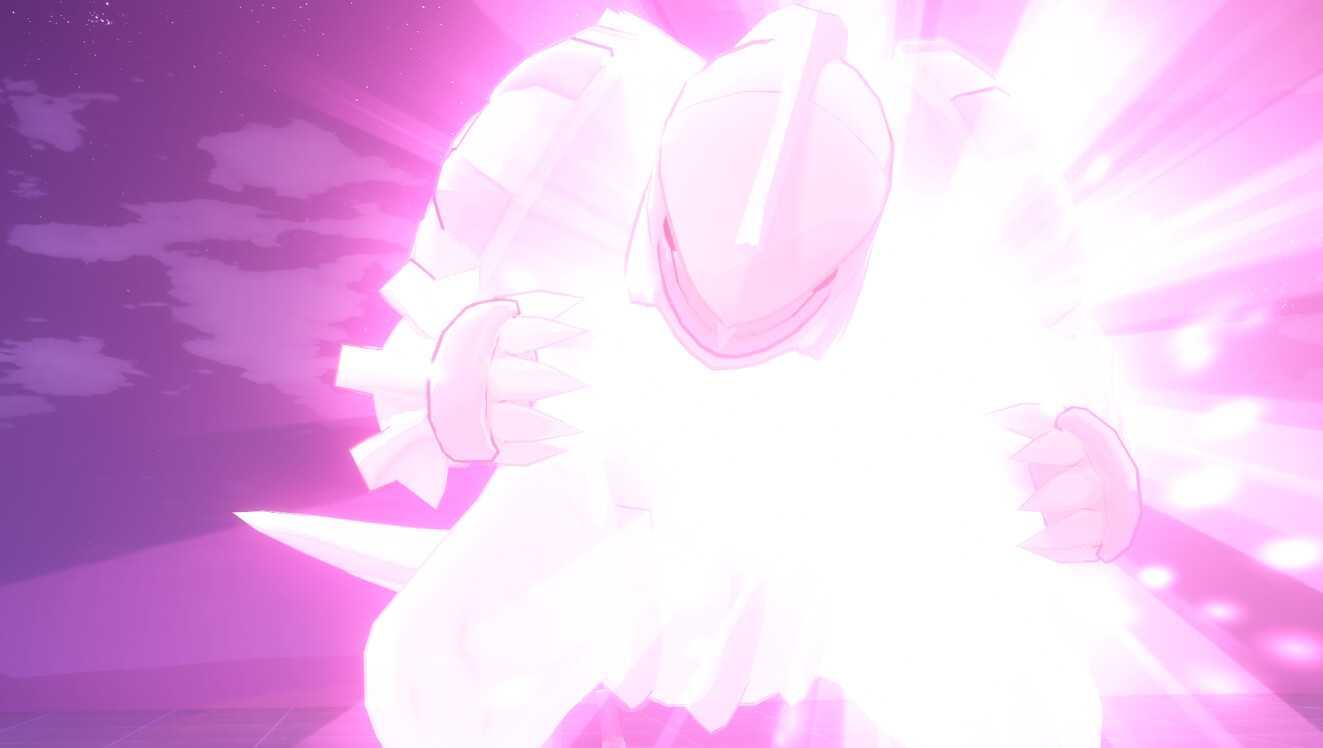
Pokémon Diamond & Pearl Arceus Encounter [Video Concept/FanArt] VFX Breakdown
This is a Fan Art animation, montage, concept that I made in Unity.
This is not a Game. This is a video Concept. There will be no more process or new videos.
Made for educational, Portfolio, learning and hobby purposes, not for profit (this video is not monetized).
I'm such a fan of Pokemon that I wanted to recreate the scene from the original Nintendo DS game (https://youtu.be/YNoKvwJn4PA?t=173) but in 3D from scratch.
Thanks to this exercise I was able to learn a lot: How to organize my tasks, workflow, improve as a VFX artist / Technical Artist, animation, 3D, shaders, texture skills, UI, Audio and unity engine tools such as environment artists, programming, cinematics and animation.
I used some mixamo animations to start from a base. The same with some textures and models. I did not make any sound, but I did do a lot of mixing and the complete montage.
Thanks to @Zame for the music!
https://twitter.com/Zame_It
https://www.youtube.com/watch?v=QhiomP6cFUw
https://www.youtube.com/watch?v=S8AUudI34UI
Concept for arceus mega evolution, image by hyshirey:
https://www.deviantart.com/hyshirey/art/Mega-Primal-Arceus-541134772
Contact:
AdrianMendezzGarcia@gmail.com
https://twitter.com/AdrianMendezzG
COMPLETE VIDEO HD 4K
All VFX are using an Uber Shader fully editable

Uber VFX Shader

All Uber VFX Shader sub functions
To make this procedural manga style effect I'm making a shader function to detect sudden color changes (Sobel filter https://en.wikipedia.org/wiki/Sobel_operator) and adding a distortion on the vertical axis.

Sobel Manga Procedural Shader
Dynamic Day Night procedural Skybox Shader

Skybox Shader

Character NPR Shader (https://www.artstation.com/artwork/wJZ4Gg)

Character NPR Shader

Shadow on face looks ugly, instead of editing normals or adding a shadow map I just made a switch between shadow and light as fast as possible. I saw this technique in Honkai Impact (Mobile Game).
Procedural Speed Lines

Procedural Speed Lines Shader
Mega Arceus Shader
I used the Cinemachine Smooth Path tool to move the Projectiles as I want
Cinemachine Timeline Workflow...

I made this texture using photoshop, including the normal map to practice editing normal maps by hand.

The depth of the cave is an illusion using a black quad with depth fade in the shader.

I used polybrush tool to show a variety of textures in the terrain and avoid tile.
I also coded the Follow System, Character movement, triggers and physics.

I made all UI items in photoshop by layers.
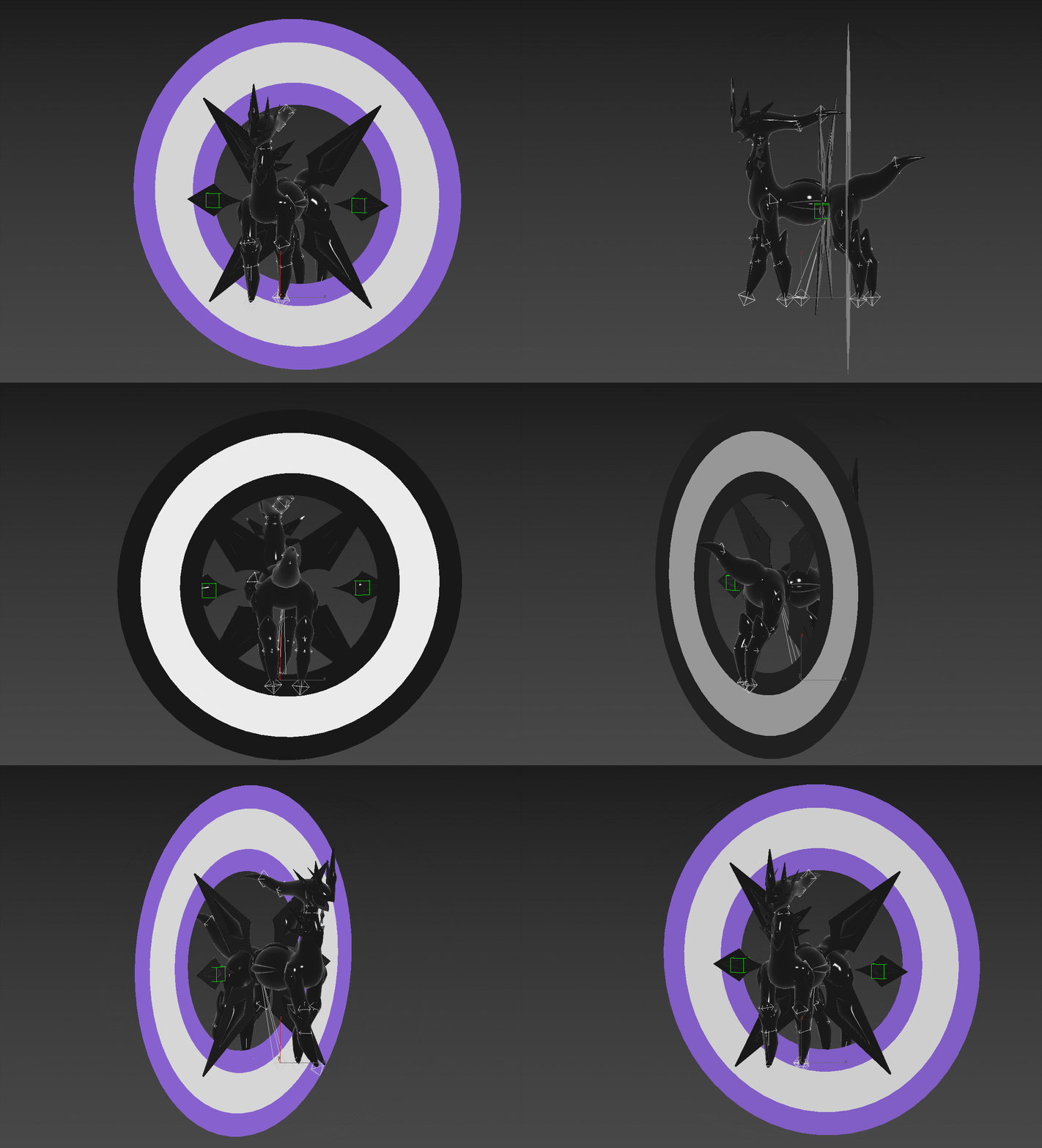
I made the Mega Arceus 3D model.

More 3D model parts I did...

Substance Painter was also in this development for the creation of some textures

All cinemachine timeline...